
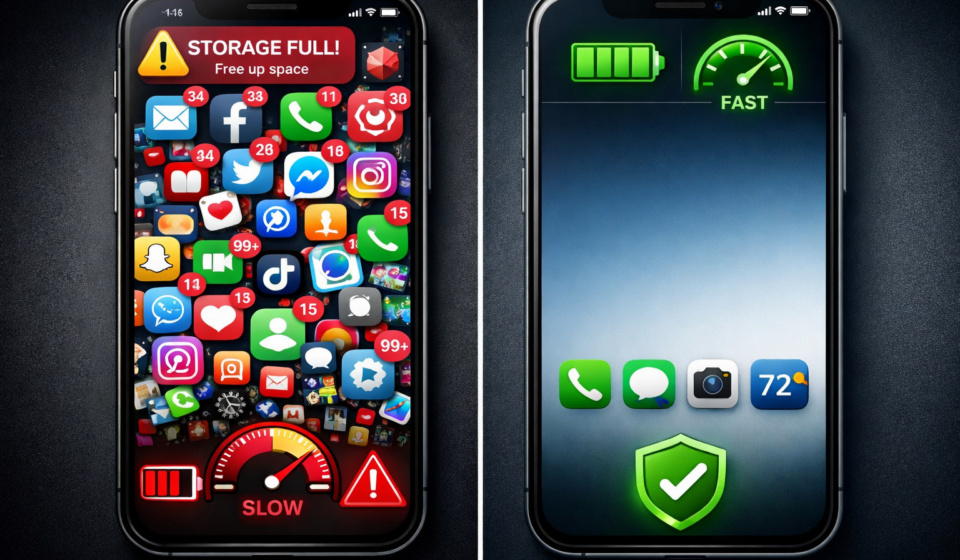

A slow phone is rarely caused by “old hardware.”
In most cases, it’s caused by accumulated friction: too many apps, background processes, storage pressure, and poor habits.
Most guides tell you to “clear cache” or “restart your phone.” That’s surface-level. It works temporarily, but the slowdown always comes back.
Here is the real system that fixes it properly.
Step 1 — Identify the Real Bottleneck (Don’t Guess)
Your phone slows down for only 3 reasons:
- Storage pressure (most common)
- RAM overload (too many apps running)
- Background abuse (apps running when they shouldn’t)
Quick check:
- Storage above 80% → problem
- Phone heats up without use → background apps
- Lag when switching apps → RAM issue
Fix starts by knowing which one you have.
Step 2 — Fix Storage the Right Way
Deleting random photos is not the solution.
What actually slows your phone:
- Social media cache (Instagram, TikTok, Facebook)
- Browser data
- Messaging apps storing media (WhatsApp especially)
What to do:
- Remove apps you haven’t used in 30 days
- Reinstall heavy apps instead of clearing cache (faster + cleaner)
- Delete downloaded videos and duplicates
- Move photos to cloud/storage (Google Photos / iCloud)
Target: keep at least 25–30% storage free
This alone fixes a large percentage of “slow phones.”
Step 3 — Stop Background Abuse (Biggest Hidden Problem)
Most people don’t realize this:
Apps are not “closed” when you leave them.
They:
- refresh data
- track location
- send requests
- sync constantly
Fix:
iPhone
- Settings → General → Background App Refresh → OFF (or limit heavily)
Android
- Settings → Apps → Battery → Restrict background activity
Then:
- Disable notifications for non-essential apps
- Remove apps that constantly run (weather widgets, boosters, etc.)
Step 4 — Reduce System Load (Instant Speed Boost)
This is the fastest visible improvement.
Do this:
- Reduce animations
- Remove widgets
- Use static wallpaper (no live wallpapers)
- Limit auto-sync accounts
Android (Developer Options):
- Animation scale → 0.5x or OFF
iPhone:
- Accessibility → Motion → Reduce Motion → ON
This doesn’t change power — it removes delay.
Step 5 — Control App Quality (Most Overlooked)
Not all apps are equal.
Some apps are simply badly optimized.
Replace:
- Facebook app → use browser version
- Heavy launchers → use default
- “Cleaner” apps → delete them (they slow your phone more)
Bad apps create constant background load.
Step 6 — The Reset Strategy (When Needed)
If your phone is still slow:
Do not keep fixing.
Reset it.
Proper way:
- Backup everything
- Factory reset
- Install only essential apps
Most people reinstall everything → and recreate the same problem.
Step 7 — Maintain Speed (This Is Where People Fail)
Fixing is easy. Keeping it fast is the real game.
Weekly:
- Restart phone
- Delete unused downloads
Monthly:
- Review apps → remove 2–5
Rule:
If you don’t use it → it should not be installed
Reality Check
Phones don’t slow down by themselves.
Usage habits make them slow.
Fix the system once, maintain it lightly, and your phone will stay fast for years — not months.